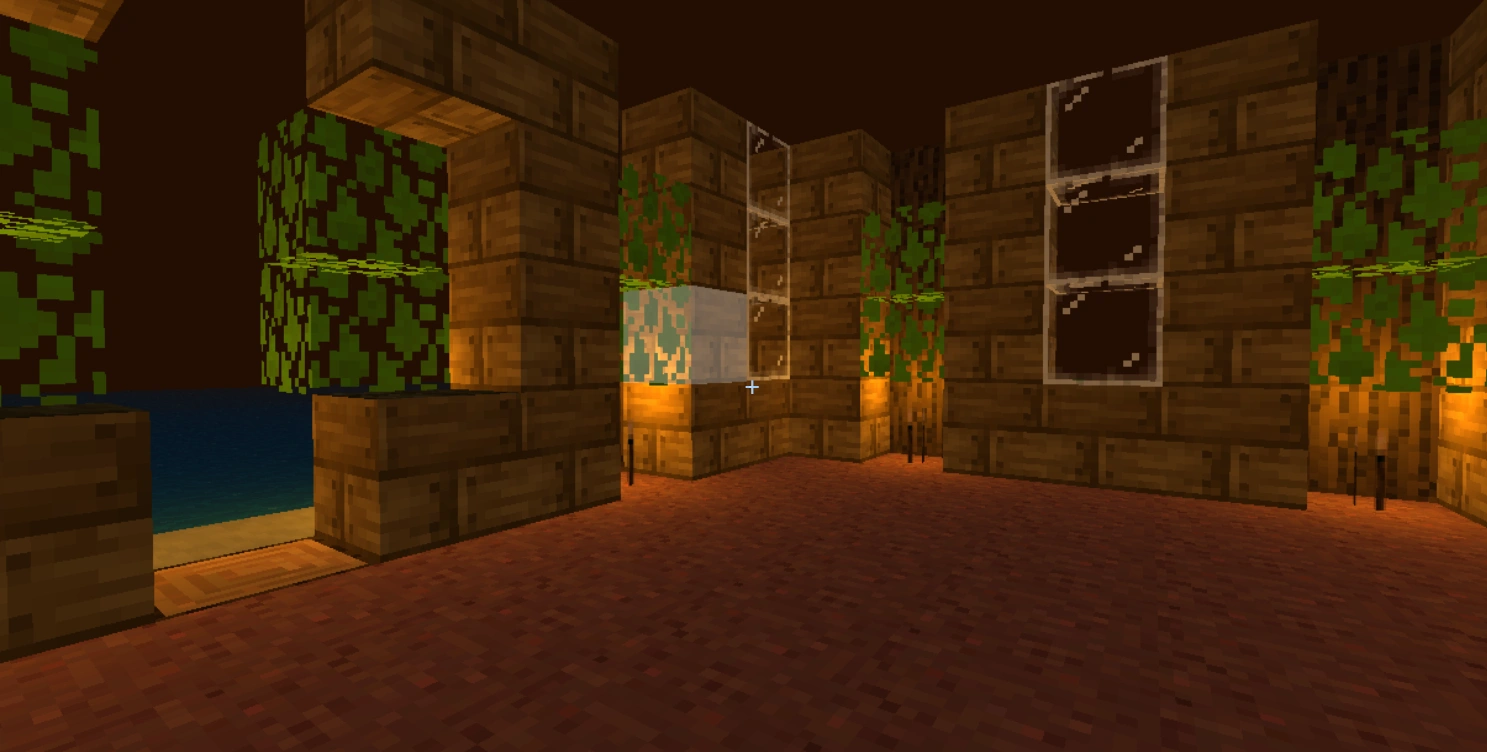
I wondered if I was lowkey insane for trying to rebuild Minecraft from scratch. Purely because I’ve been obsessed with the game for 13 years and wanted to understand how it works under the hood.
What started as "v1" (April 6 – April 24, 2025) to handle the basics—procedural terrain, chunk streaming, and a scuffed fluid system—quickly escalated. By early 2026 (Jan 10 – Jan 27, 2026), I realized how much of Minecraft’s “soul” was missing, so I went all in on v2.
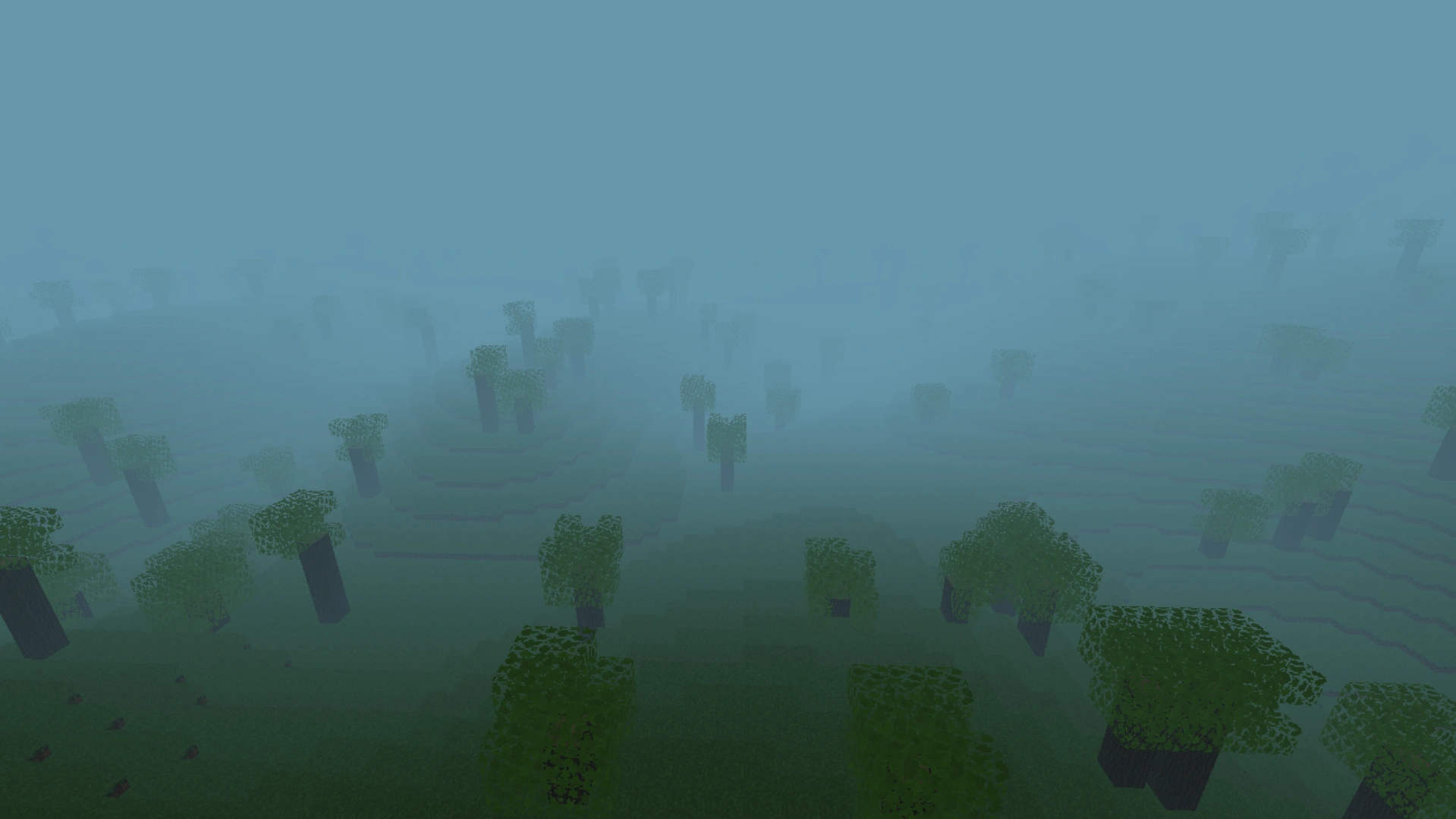
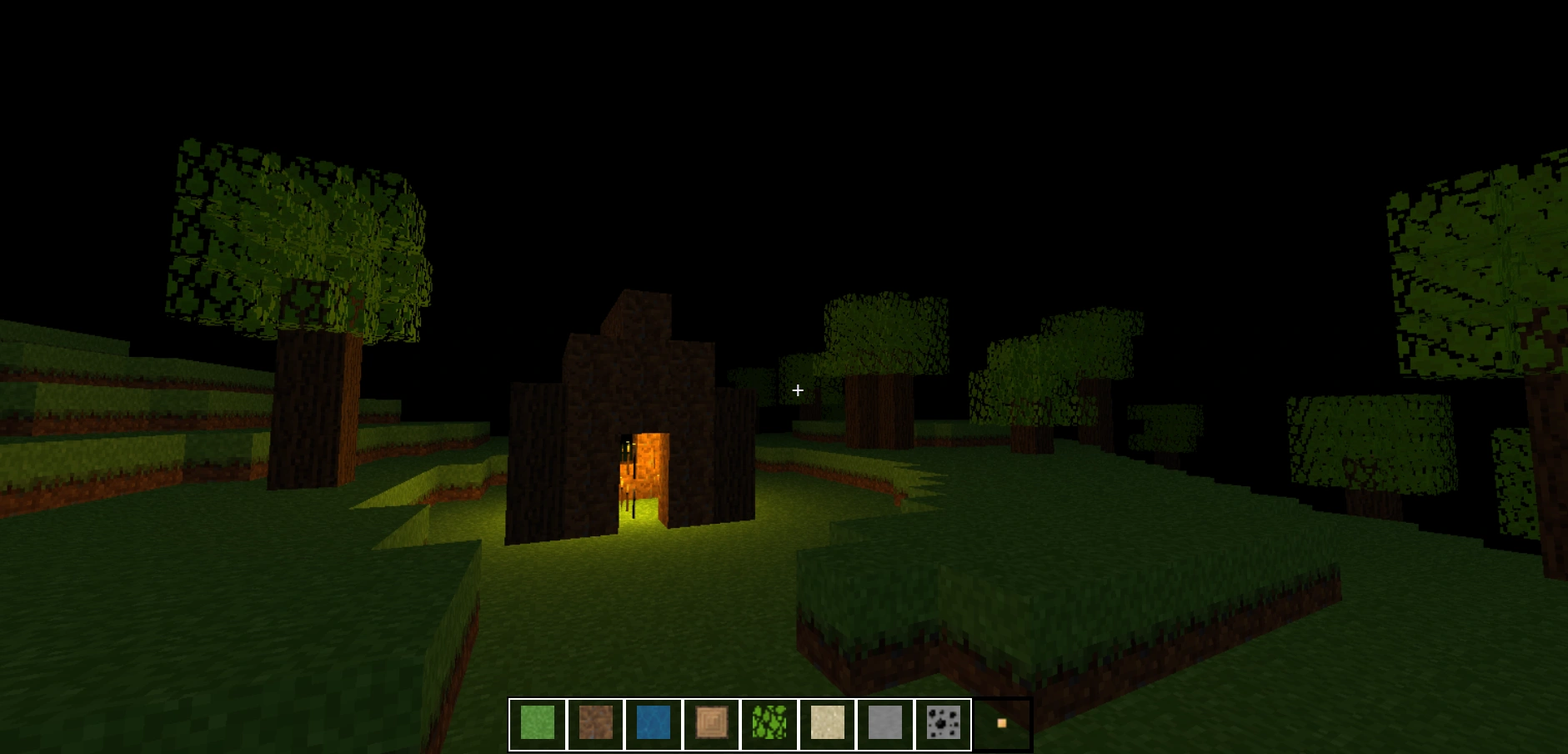
The goal wasn't just to build a toy scene. It was to build a voxel engine that streams chunks like a real world, optimized enough to render over 140 active chunks inside a strict memory footprint, running entirely in a browser using Three.js and vanilla JavaScript.
Here is how I survived the math, the memory leaks, and the debugging nightmares to make it happen.
The 0.5 Offset & The Limits of AI
Every project has a breaking point. Mine happened early on during block placement.I was trying to map storage coordinates (array indices) to visual coordinates (Three.js world space). Blocks were placing in wildly unintended locations. The logic seemed sound: my world array tracked positions as strict integers ([0, 1, 0]), but I hadn't accounted for the fact that Three.js centers its meshes at the origin of the cube. To align the grid, every mesh needed a precise +0.5 offset.
This was back in April 2025. I fed the problem into AI with substantial context, expecting a quick fix. Instead, it hallucinated, sending me down a rabbit hole of irrelevant, complicated matrix transformations. After a week of mental breakdowns and tearing apart my codebase, I did it the old-fashioned way: manual debugging. I found the missing +0.5. It was a humbling reminder that when building fundamental engine architecture, AI can't replace raw debugging intuition.
The 4GB VRAM Black Hole
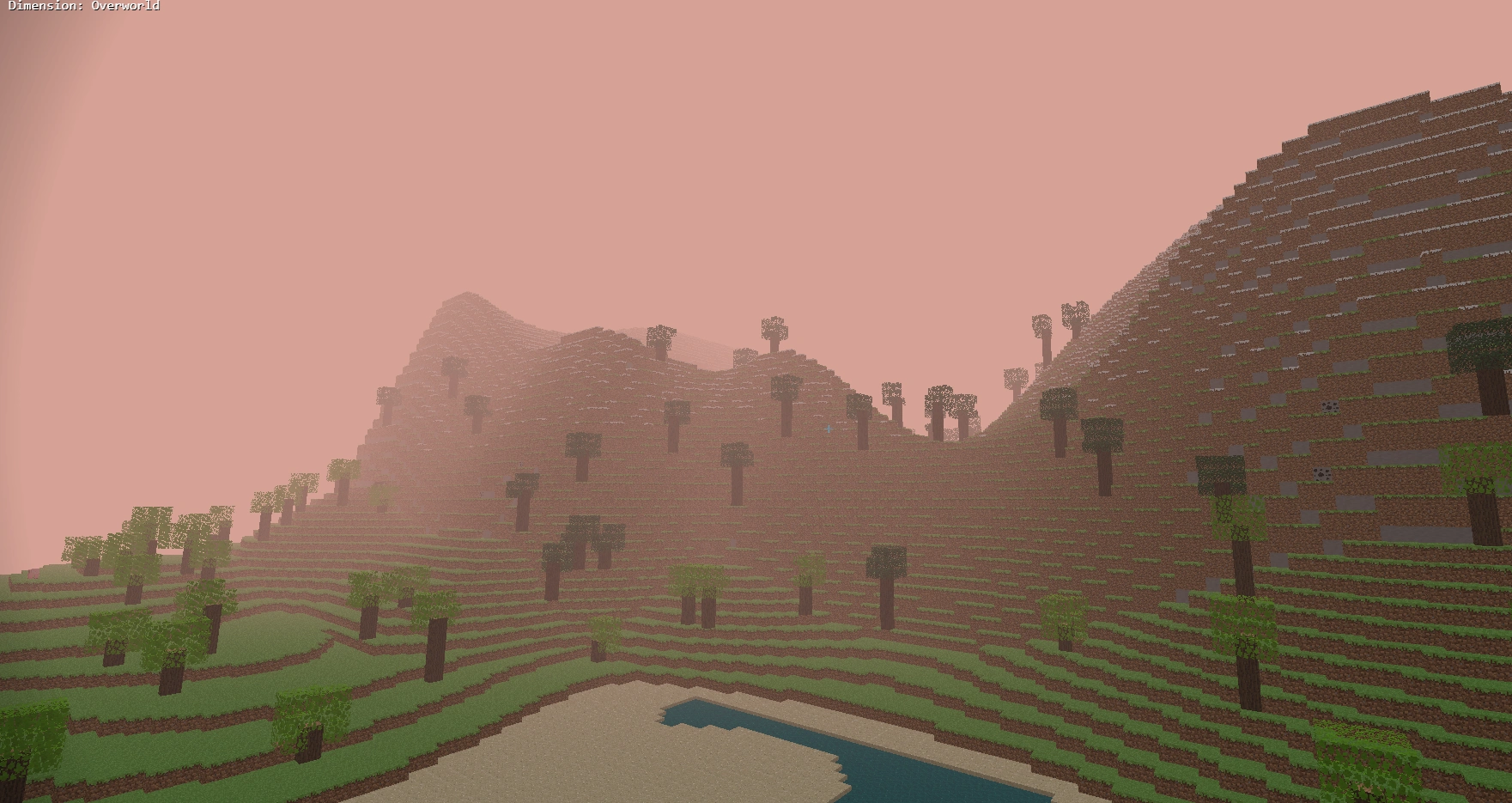
As I moved on to procedural generation, I added a mountain biome. It looked incredible, but it revealed a fatal architectural flaw.After flying around and rendering a few dozen chunks, my Chrome tab's memory usage skyrocketed, maxing out at a staggering 4GB before crashing. Instinctively, you'd think I forgot to unload the chunks behind me. But I had a lazy load/unload system in place.
After digging into Chrome DevTools, the terrifying reality hit: the chunks were visually disappearing from the scene, but the data was still living in VRAM. In Three.js, removing a mesh from a scene does not delete its geometry or materials. To fix this, I had to write a bespoke garbage collector attached to the chunk manager. Now, when a chunk unloads, it explicitly calls .dispose() on every underlying geometry and material array, completely wiping it from memory. The leak vanished. The engine stabilized at a clean 100-120MB.
Culling the Invisible
Memory was fixed, but the mountains were still tanking my frame rate. The engine was rendering thousands of blocks buried deep inside the terrain that the player would never see.I implemented face culling. The renderer now checks all six directions around a block. If a block is completely surrounded by solid neighbors, it gets stripped from the render buffer. The moment you mine a block, the underlying blocks recalculate and render.
To push performance even further, I abandoned individual meshes entirely. I moved to THREE.InstancedMesh, grouping identical blocks into single draw calls. I also built a caching layer: if a block matches a specific type and biome color profile, the engine reuses the cached geometry instead of instantiating a new one.
The Chunk Border Ghost Bug
Face culling introduced a new, fascinating quirk: ghost blocks on chunk borders.When generating the edge of a chunk, the engine looks at the neighboring chunk to see if the block next door is solid or transparent. But if that neighboring chunk hasn't streamed into memory yet, the engine returns -1 (null). Currently, the system assumes that null block is solid, causing the border block to hide itself—leaving a temporary invisible gap in the world until the neighbor loads.
The pragmatic fix? Treat unloaded chunks as "air." It forces the border blocks to render even if they end up being buried underground later. Drawing a few extra hidden blocks is a trade-off I'm more than willing to take over seeing holes in the fabric of the universe.
Breathing Life into the World
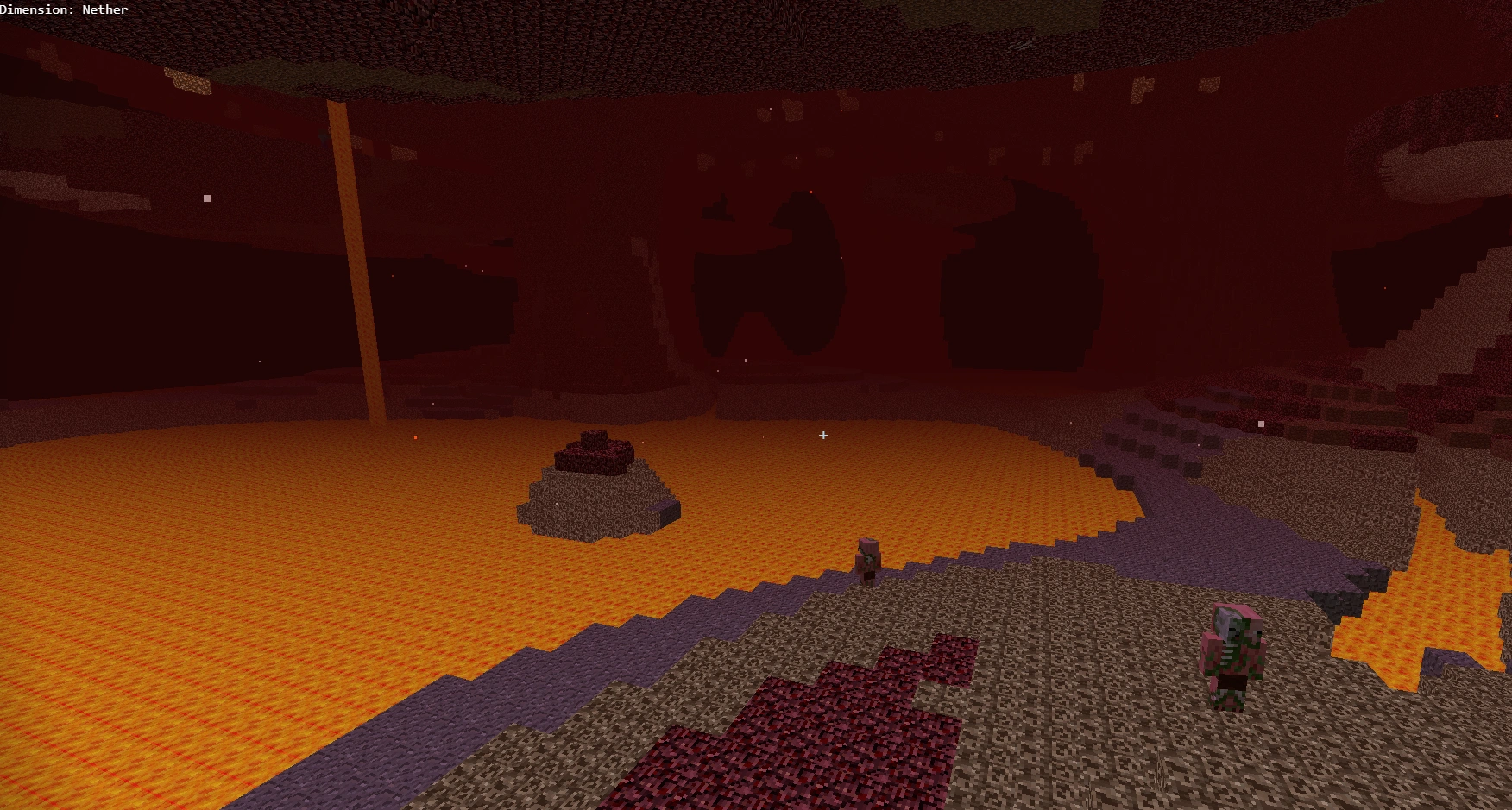
With the rendering pipeline smoothed out, v2 was about adding the "soul." * The Stochastic Fluid Simulator: Water and lava don't just exist; they flow. While falling fluids are computed deterministically (straight down), sideways spreading uses a stochastic probability matrix (Math.random() > spreadChance). Lava ticks slower and spreads organically, while water floods fast.
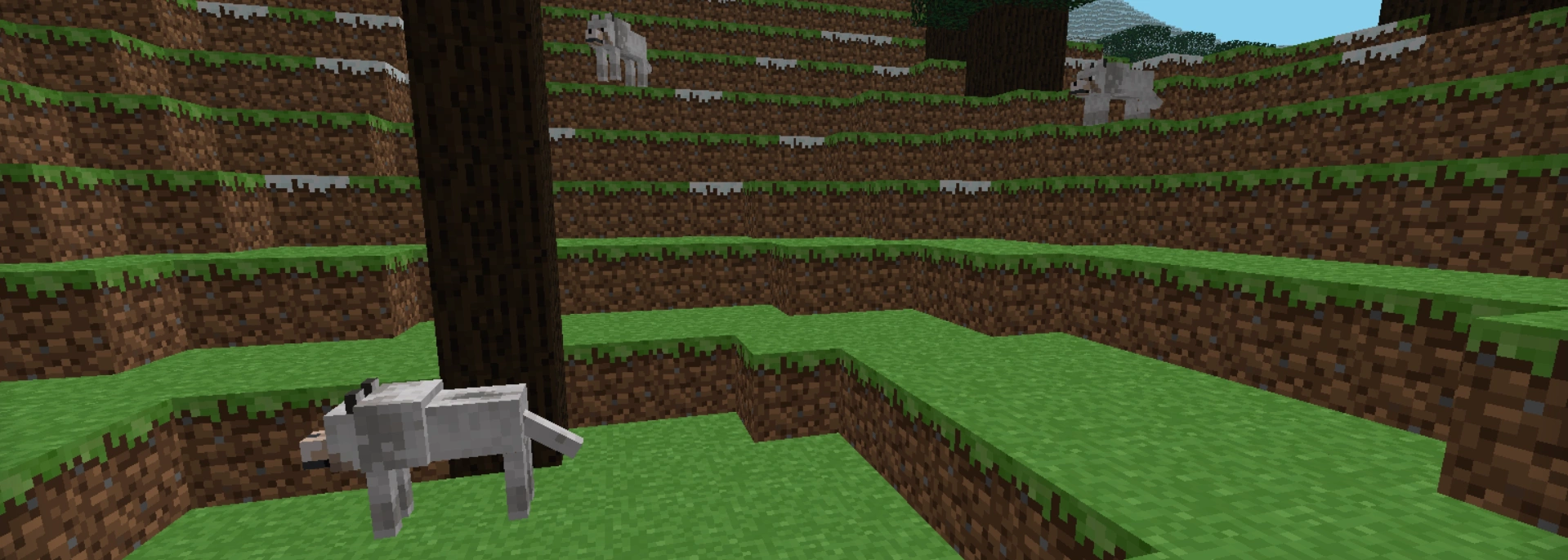
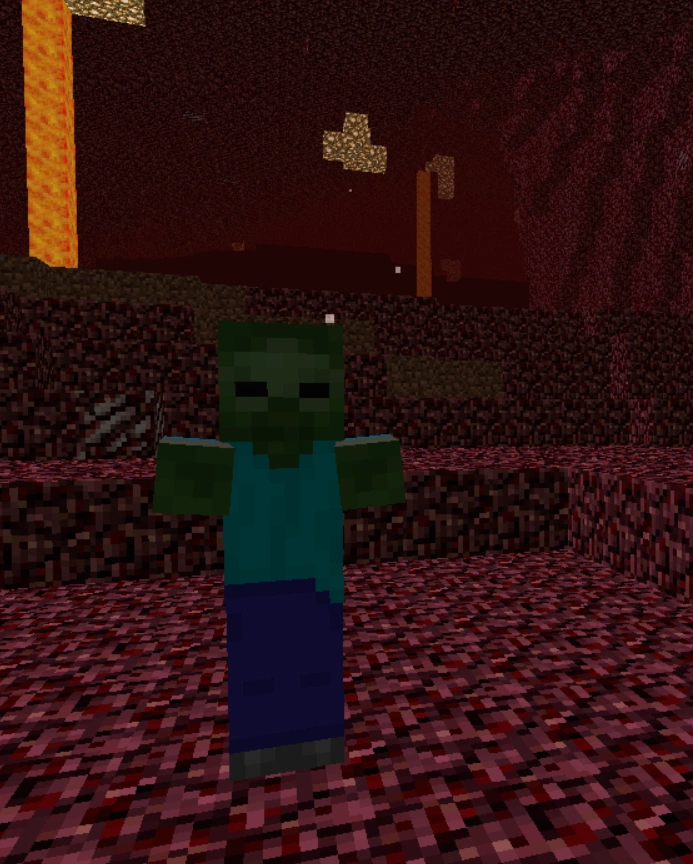
* Mob Framework & Serialization: Mobs now have AI, aggressive/passive states, and geometry caching. To prevent save-file bloat when chunks unload, the MobManager only serializes mobs that have been interacted with, saving their exact health, taming status, and coordinates before wiping them from the active scene.
* Delta Saves: When you download the world, you aren't downloading gigabytes of terrain. The engine only serializes the modifiedMap—the delta of blocks the player has placed or broken.
What's Next?
There’s still a v3 planned (not anytime soon) for survival mode, the End dimension, a boss fight, and a more complete gameplay loop.Recreating your childhood game from scratch should count as experience, right Mojang?
Doing this purely for the love of the game I never got over. You learn a stupid amount by trying to rebuild the things you grew up playing. Sometimes it breaks your head, but there's nothing quite like watching that first procedural mountain stream seamlessly into view.